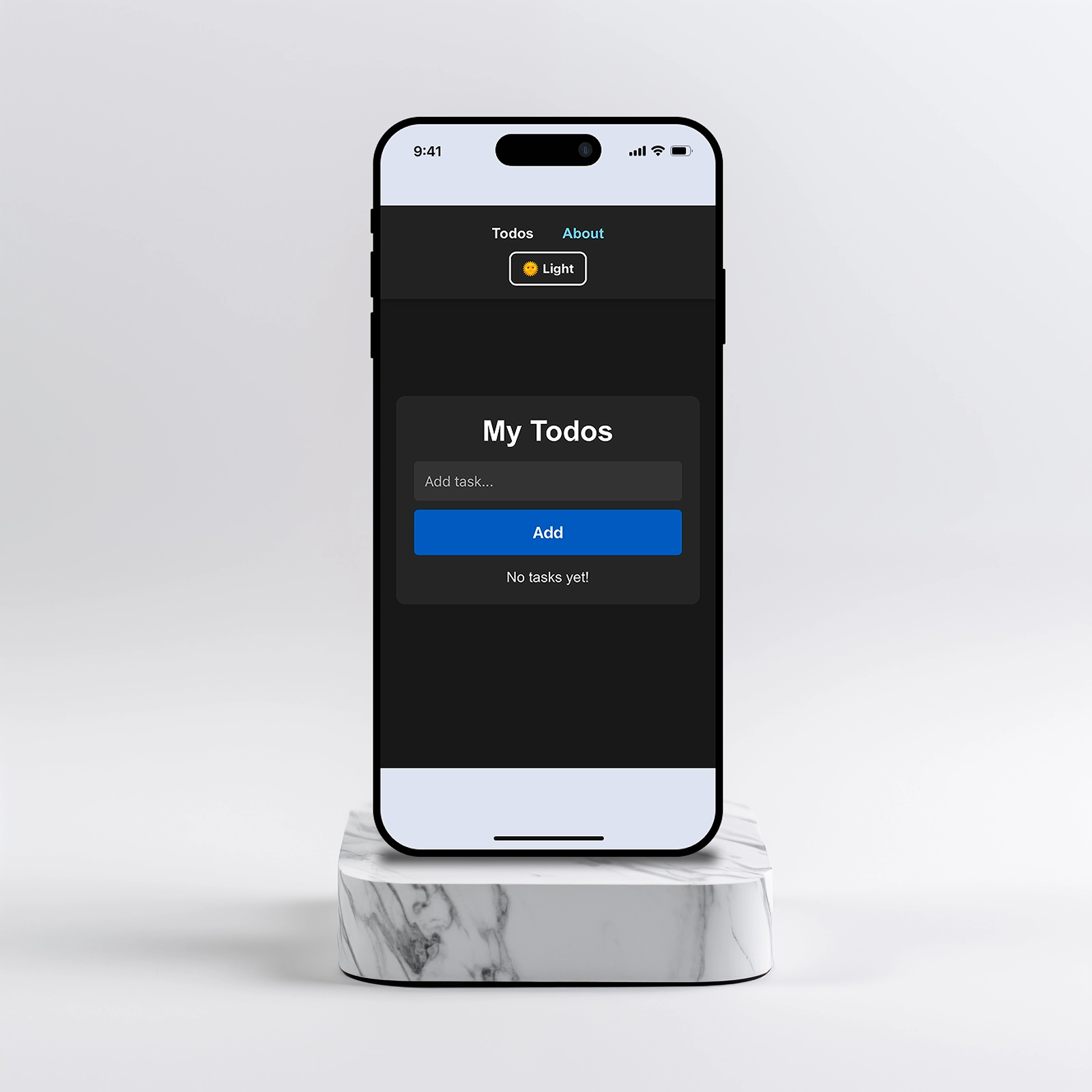
Project Overview
This project was built during a one-day coding challenge. The goal was to design and develop a simple task manager that focuses on speed, clarity and usability. Instead of building a feature-heavy productivity tool, the aim was to explore how a minimal interface could support everyday task management.
The Problem
Many todo applications quickly become overwhelming. They include complex project management features, multiple views and heavy interfaces that slow down simple task creation. Users often need something lightweight that lets them quickly capture and manage tasks without friction.
Key Insight
During planning it became clear that speed and simplicity were more valuable than additional features. A user should be able to open the application, add a task instantly and return to their workflow without distractions.
Why It Matters
Lightweight tools fail when they try to do too much. A task manager that adds steps to the process of capturing a task has already failed its primary purpose. The value of a minimal interface is that it stays out of the way of the work it is meant to support. Building something simple enough to use without thinking requires more deliberate decisions, not fewer.
Target Audience
The primary users are students, freelancers and individuals who need a quick way to capture and manage small tasks without complex productivity systems.
- Users who want a lightweight task manager
- People who prefer simple interfaces
- Users who switch between devices frequently
Design Approach
The application was designed using small reusable React components and a minimal UI. LocalStorage was used to persist tasks so that users could close the browser without losing their data.
The Solution
The final interface allows users to quickly add tasks, mark them as completed and remove them when finished. The design focuses on clarity, instant feedback and smooth interactions.
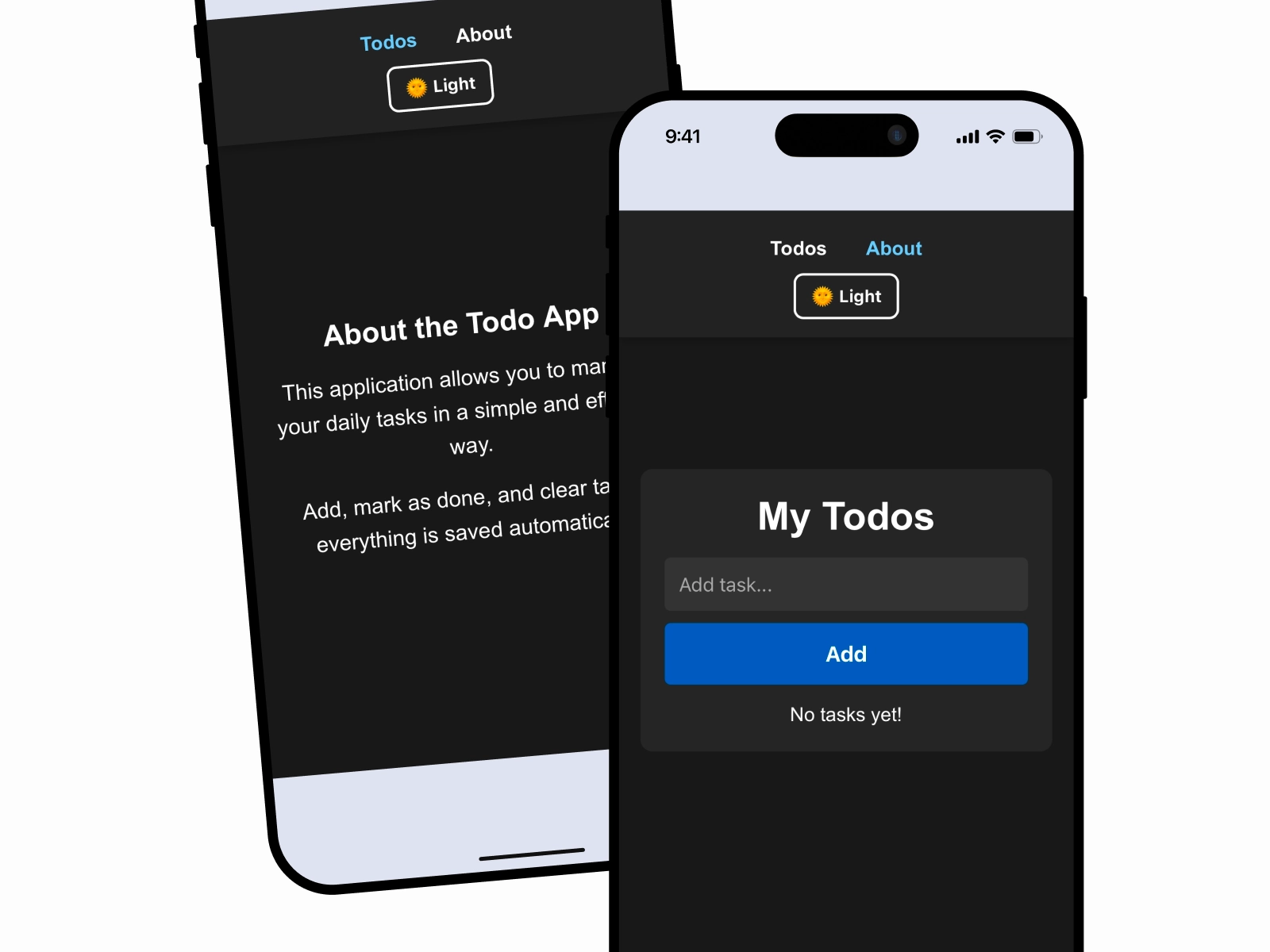
Feature Walkthrough
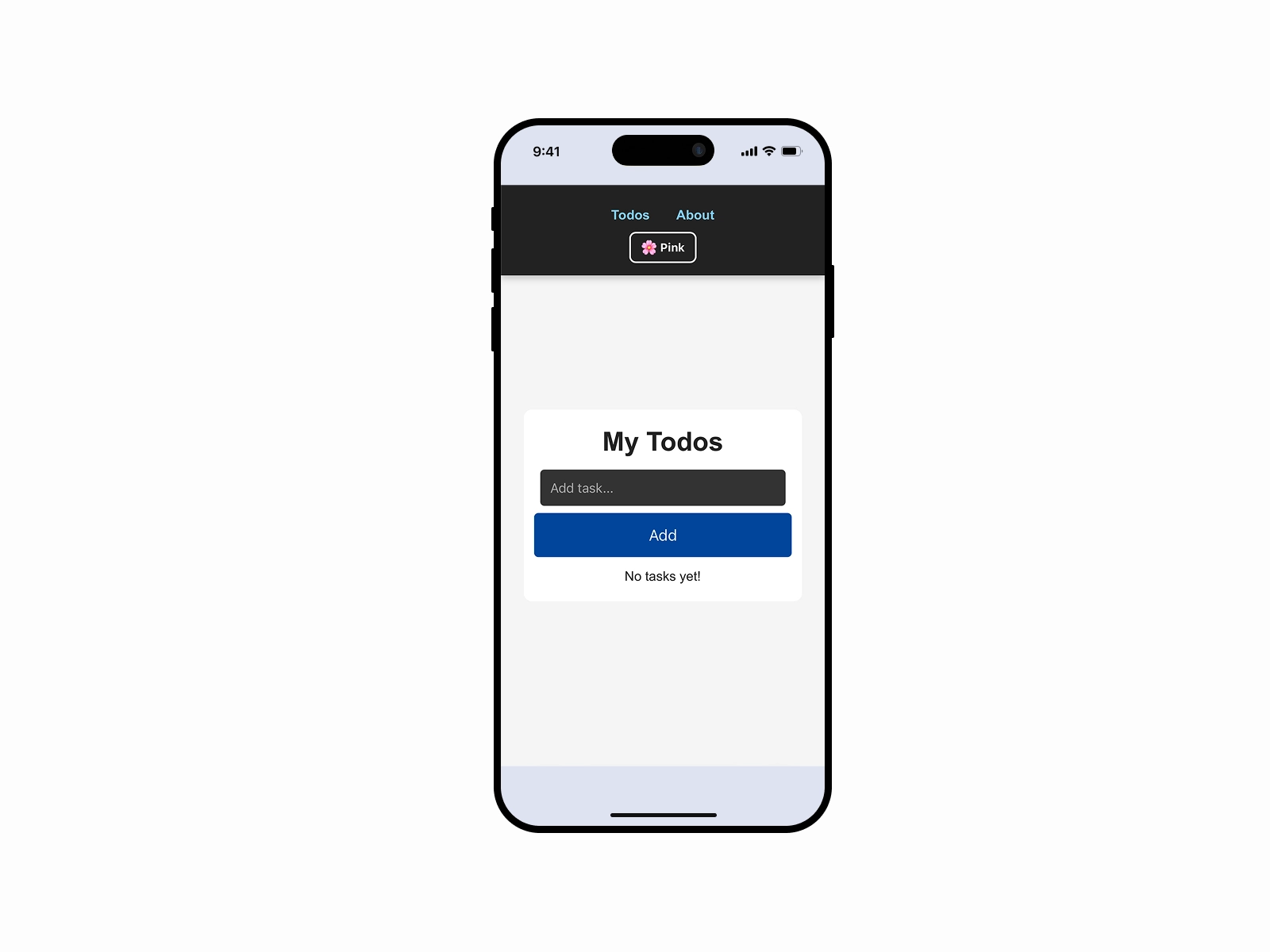
Fast Task Creation
The interface focuses on speed. Users can quickly add tasks without navigating through multiple screens or forms. This makes it easy to capture ideas or reminders instantly before returning to their workflow.
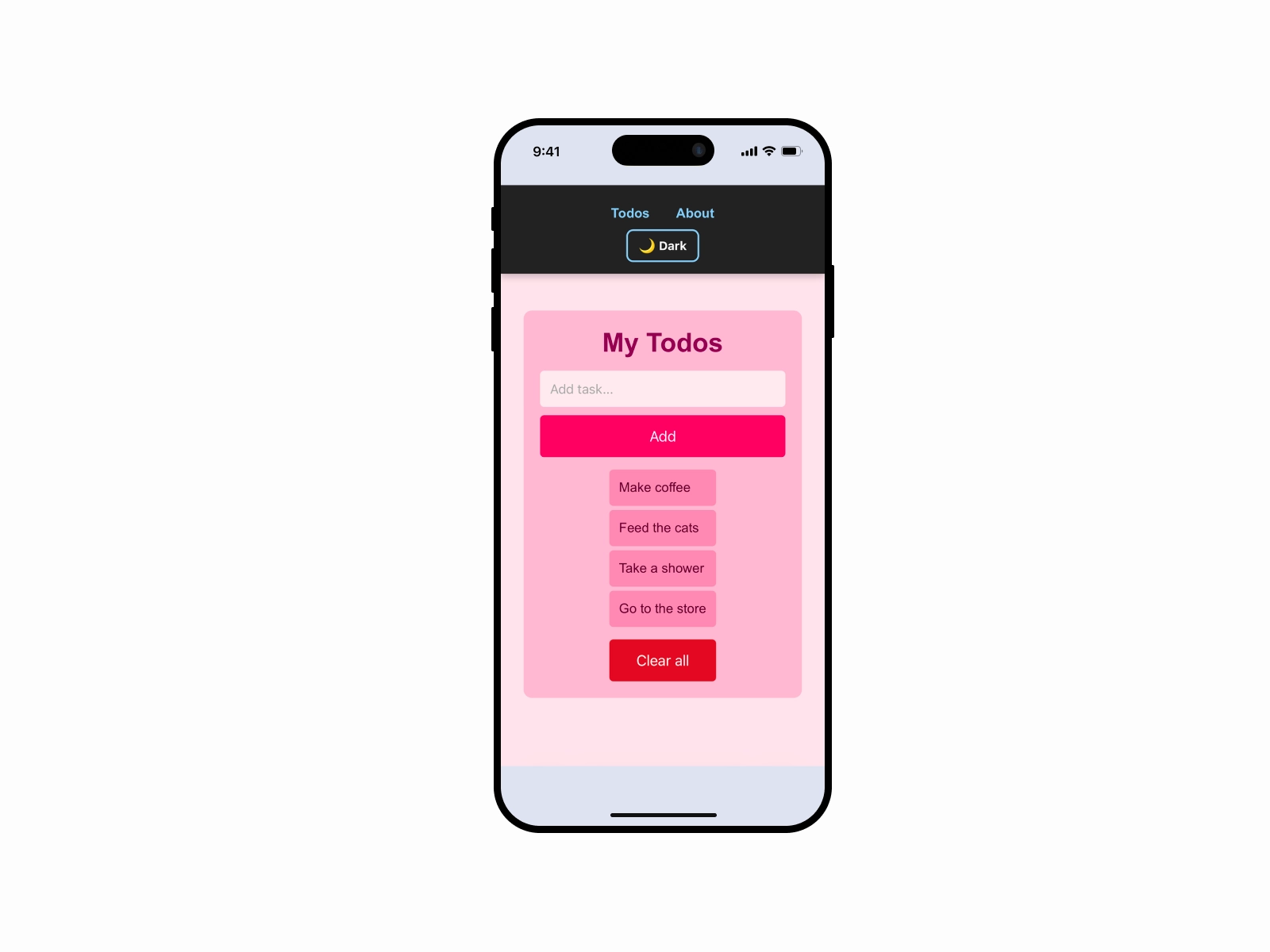
Persistent Task Storage
Tasks are automatically stored using localStorage so users never lose their data when refreshing or closing the browser. This ensures the application behaves more like a real productivity tool rather than a temporary demo.
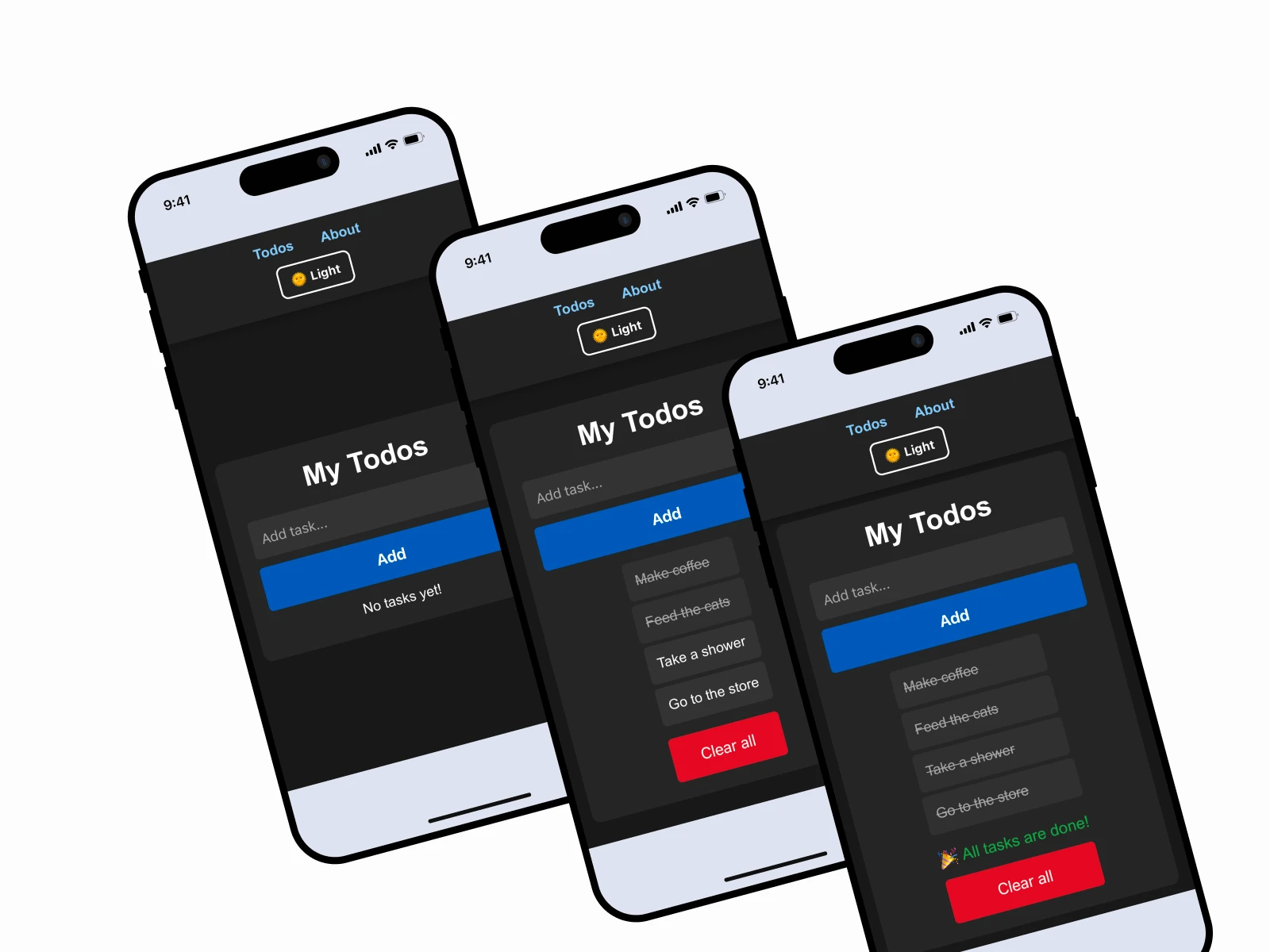
Dark Mode Experience
A dark mode option was implemented to improve visual comfort and accessibility. It allows users to switch to a darker interface when working in low-light environments.
Impact
The final application is lightweight, responsive and easy to use. Despite being built within a single day, the project demonstrates component-based architecture, state management and clean UI design.
Reflection & Learnings
This project reinforced the importance of building simple interfaces that focus on user needs rather than unnecessary features. Even small applications benefit from clear structure and thoughtful design.