Nextract
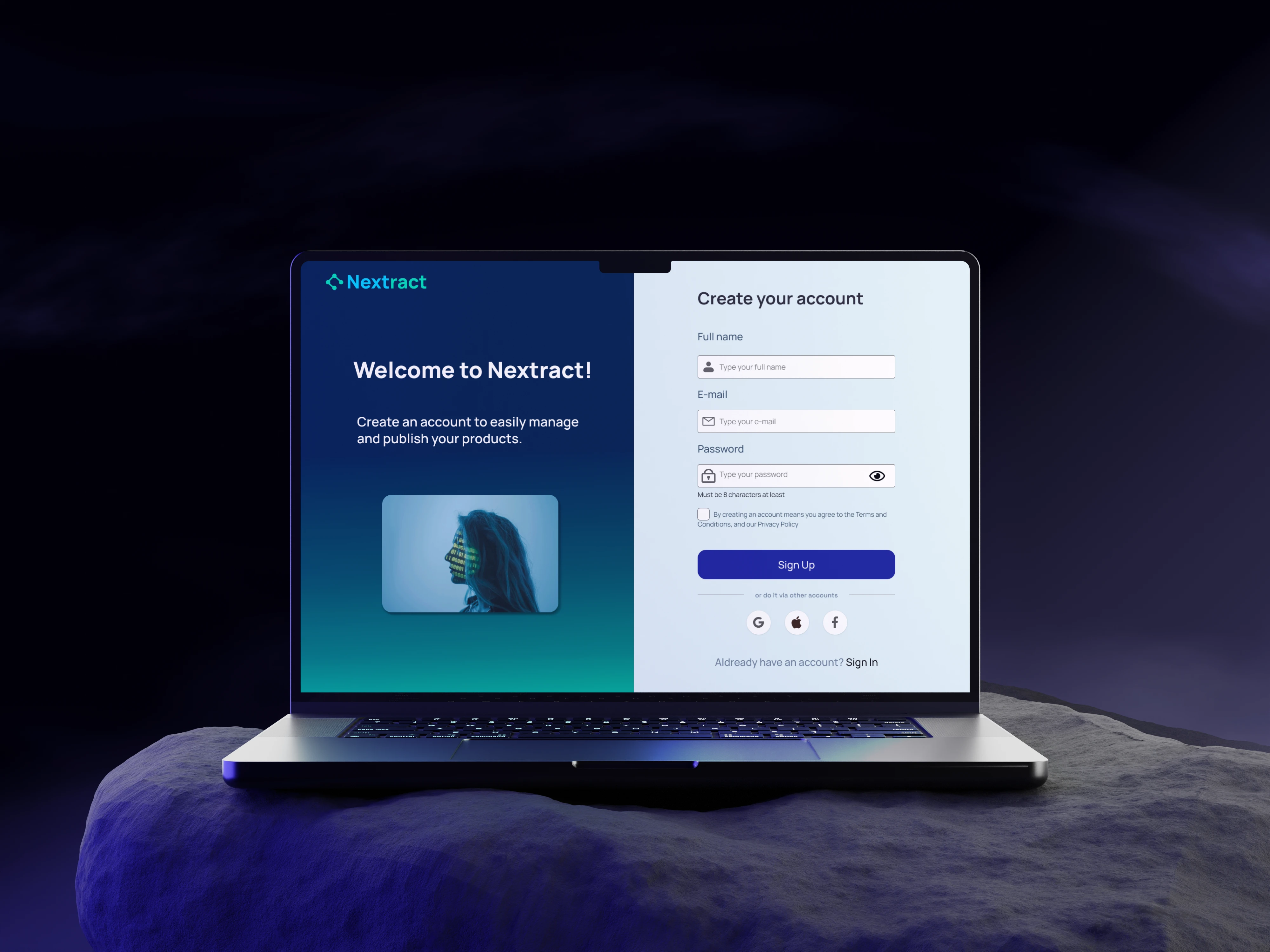
A guided interface that simplifies API-based publishing for non-technical users. One of 5 nominated projects for best UX out of 30+ entries at Chas Challenge.
Project Overview
Nextract was built as part of Chas Challenge, a school competition at Chas Academy where students from different programs were grouped together across UX and frontend, fullstack, and DevOps. Out of more than 30 competing projects, ours was nominated as one of five finalists for best UX. On the design side, it was just two of us from the UX class. We were responsible for the entire design process: user research, wireframes, prototyping, usability testing and the final high-fidelity interface. Working as a two-person UX team within a larger cross-functional group meant staying closely aligned with the developers while moving fast on our own. The brief was to design a platform that simplifies API-based publishing for non-technical users. While APIs are powerful tools for connecting systems, they often require technical knowledge that many small businesses simply do not have. This project explored how complex API workflows could be translated into a guided interface that anyone could understand. The goal was not to remove the complexity of the system, but to make the process more transparent and approachable.
The Problem
During early research it became clear that users struggled to understand how API publishing actually worked. Documentation existed, but it was written for developers rather than for business users. Participants described the process as confusing, intimidating and unpredictable. They were unsure about what steps were required, what information they needed, and how different actions connected to each other.
Key Insight
The biggest frustration was not the number of steps involved, but the lack of visibility. Once users could see how the system worked and how one action unlocked the next, the process suddenly felt manageable. This shifted the design direction: instead of hiding complexity, the interface should help users understand it.
Why It Matters
Non-technical users are consistently excluded from tools built by and for developers. When that happens in a business context, the result is dependency: someone has to call a developer for every configuration change, every update, every integration. A guided interface that makes complex workflows understandable removes that dependency and gives teams more control over their own operations.
Target Audience
The primary users were small business owners and non-technical team members responsible for publishing products online. Many had limited experience working with APIs but were expected to manage integrations between systems.
- Unfamiliar with technical terminology
- Afraid of making mistakes in configuration
- Unsure which steps were required
- Often relying on trial-and-error
Design Approach
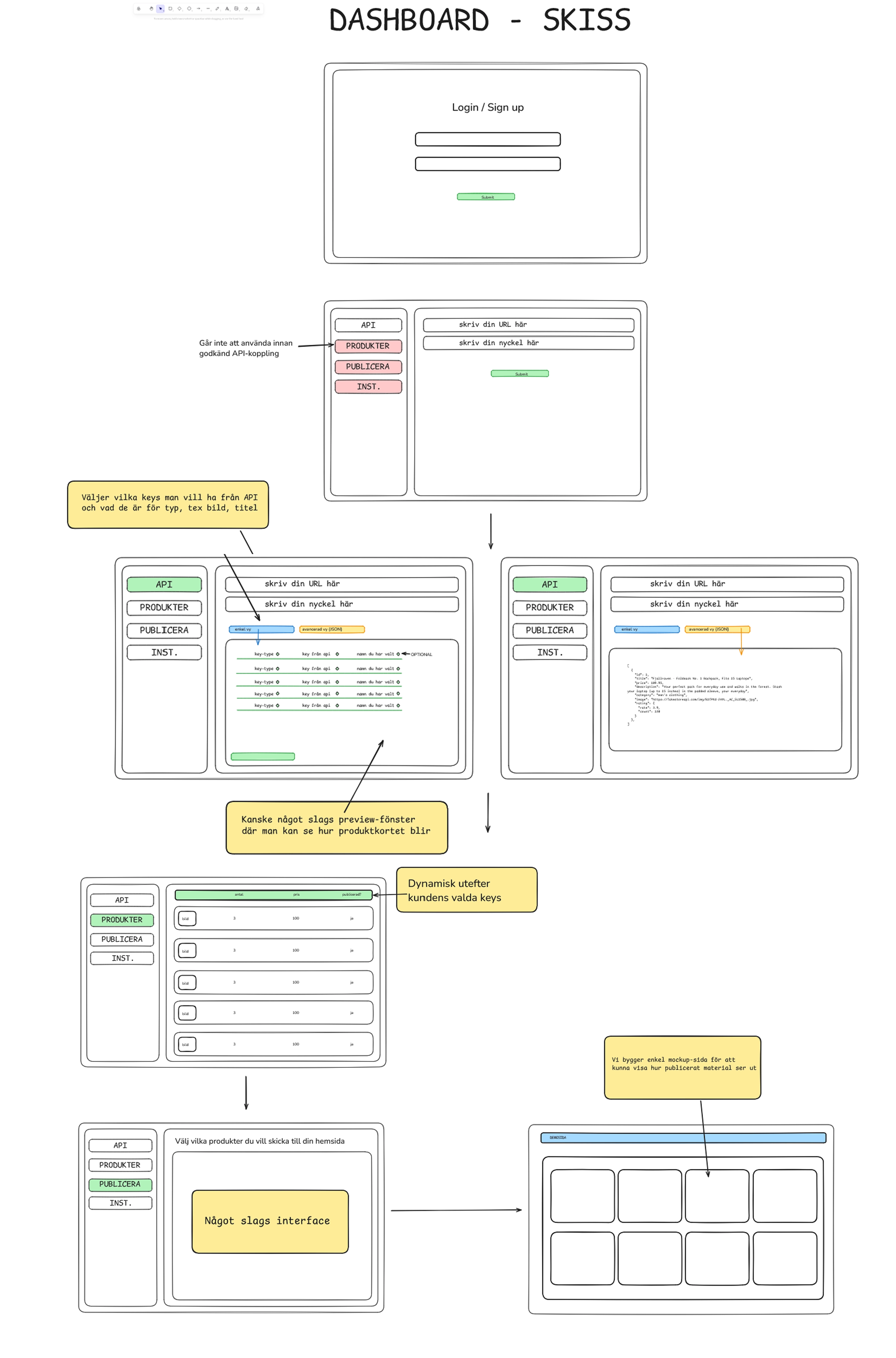
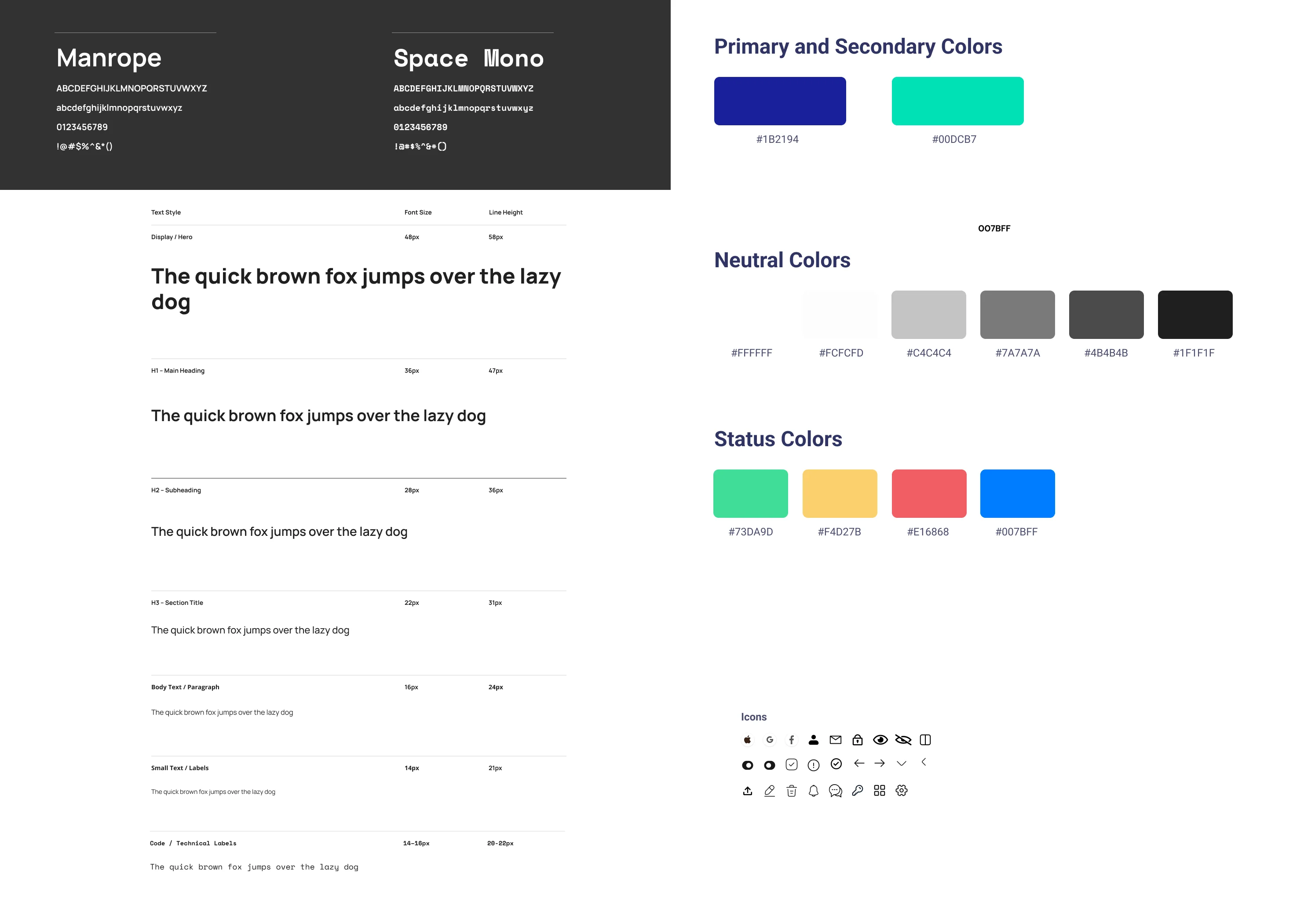
Instead of simplifying the system itself, the goal became simplifying the user's mental model of the system. We started with low-fidelity sketches to explore different structural approaches before committing to anything visual. Several concepts were tested internally and with classmates to get early feedback on whether the flow felt logical. We iterated based on that feedback, cutting steps that created confusion and rewriting labels that users misread. The final direction was a guided workflow that breaks the process into smaller steps while explaining what each step does and why it matters.
The Solution
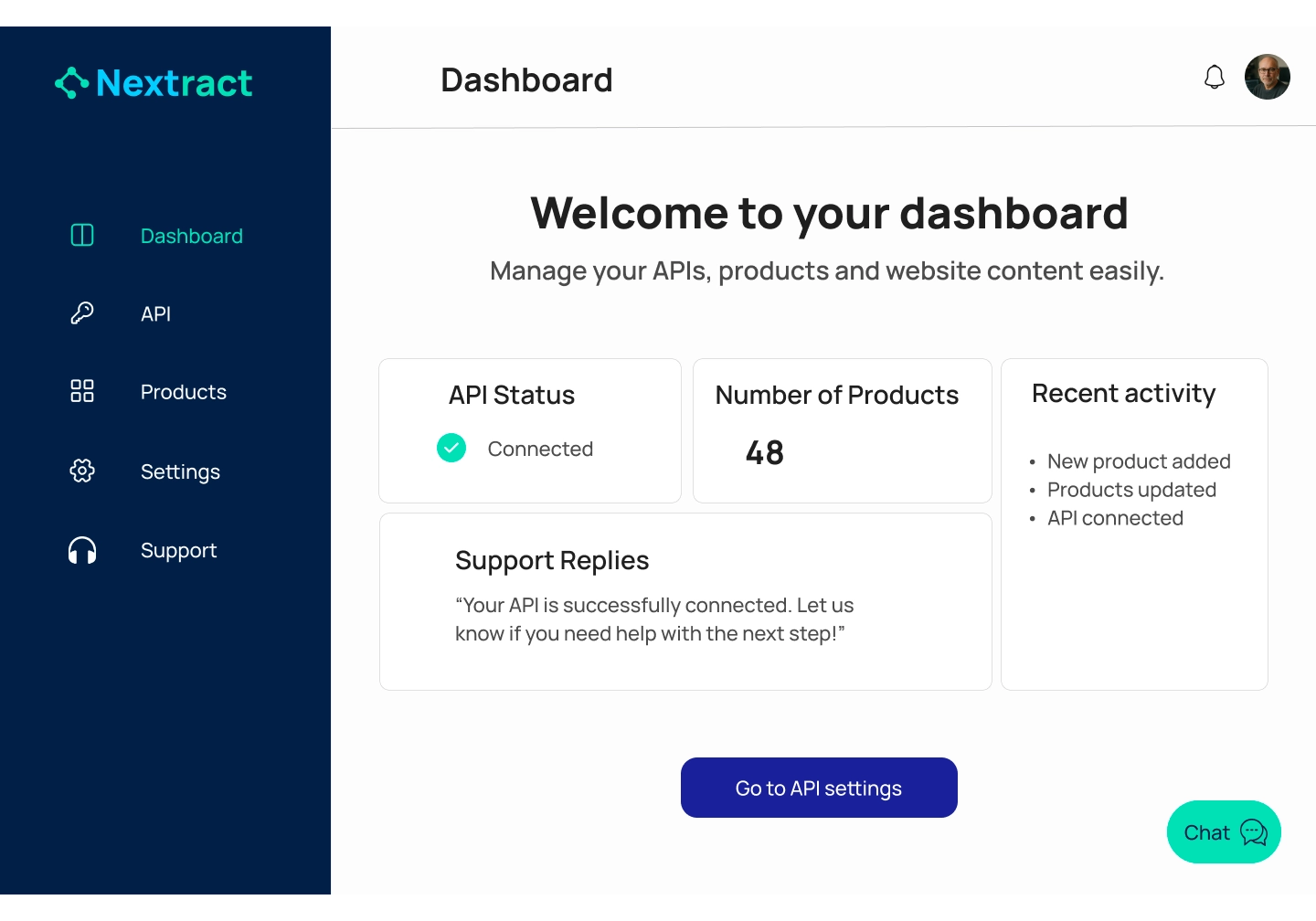
The final concept introduced Guided Mode, a step-by-step workflow designed to guide users through the API publishing process. Contextual explanations, tooltips and visual progress indicators help users understand what they are doing and what will happen next. Advanced configuration remains available but is visually separated from the main flow. The design went through multiple rounds of feedback, both from usability testing with target users and from the developers in our group who flagged where the design did not match technical constraints. Each round sharpened the interface and removed assumptions we had made early on.
Feature Walkthrough
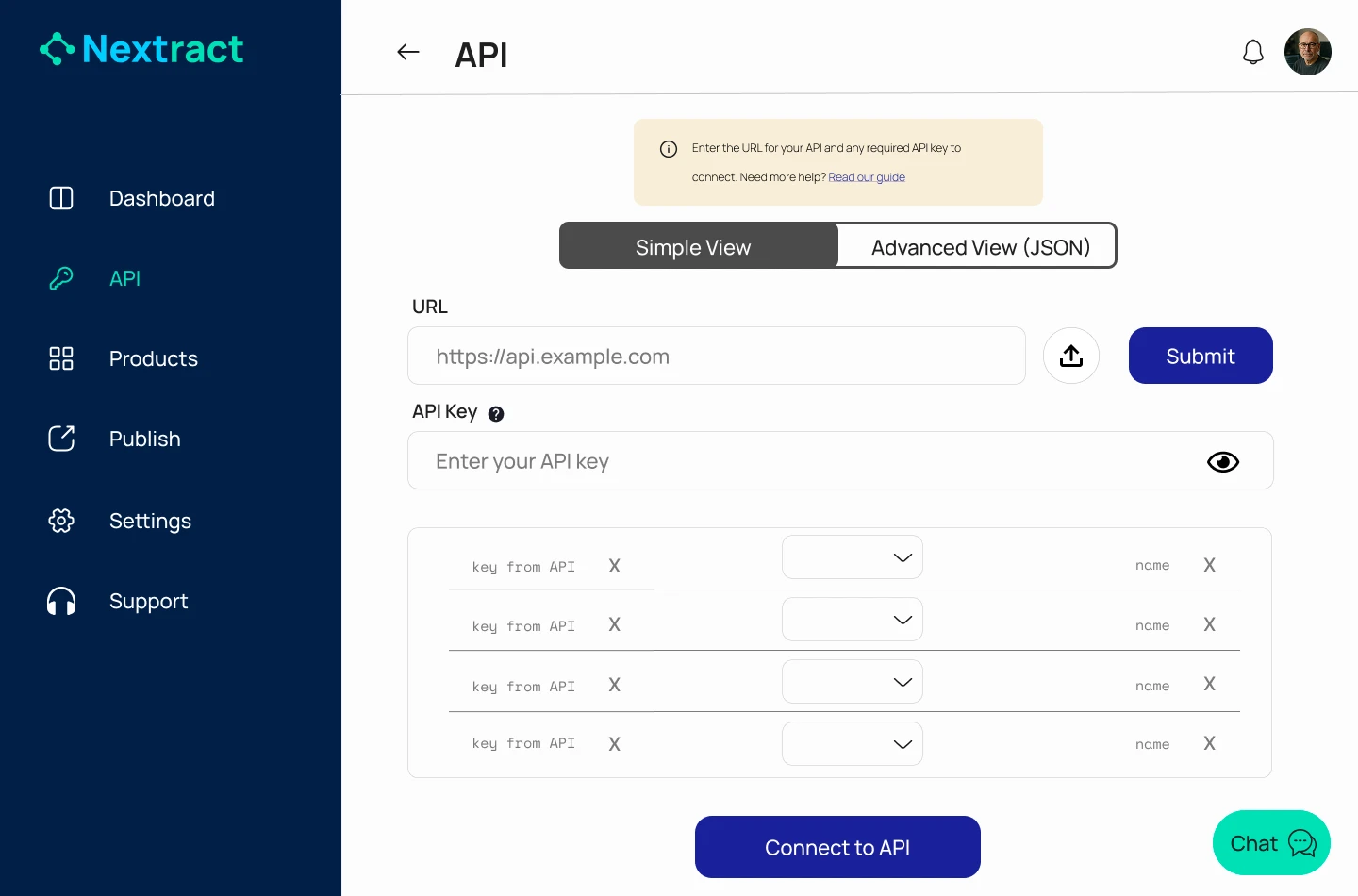
Guided API Connection
Users can connect APIs through a simplified interface that prioritizes the most important inputs while keeping advanced settings available for experienced users.
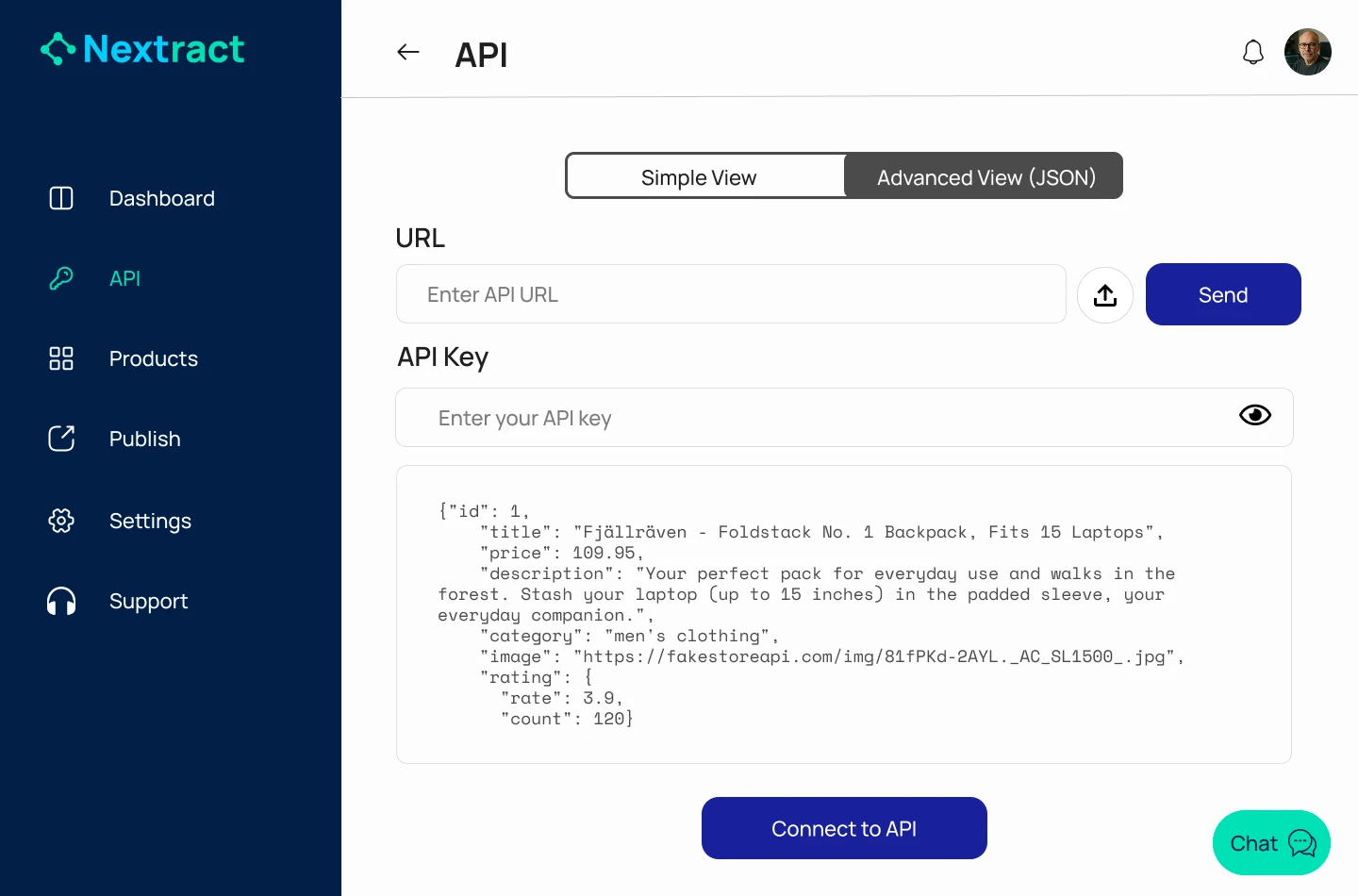
Advanced API Configuration
The Advanced API view allows users to switch to a more detailed interface where they can work directly with structured API data. This ensures flexibility without overwhelming beginners, supporting both simple and advanced workflows within the same system.
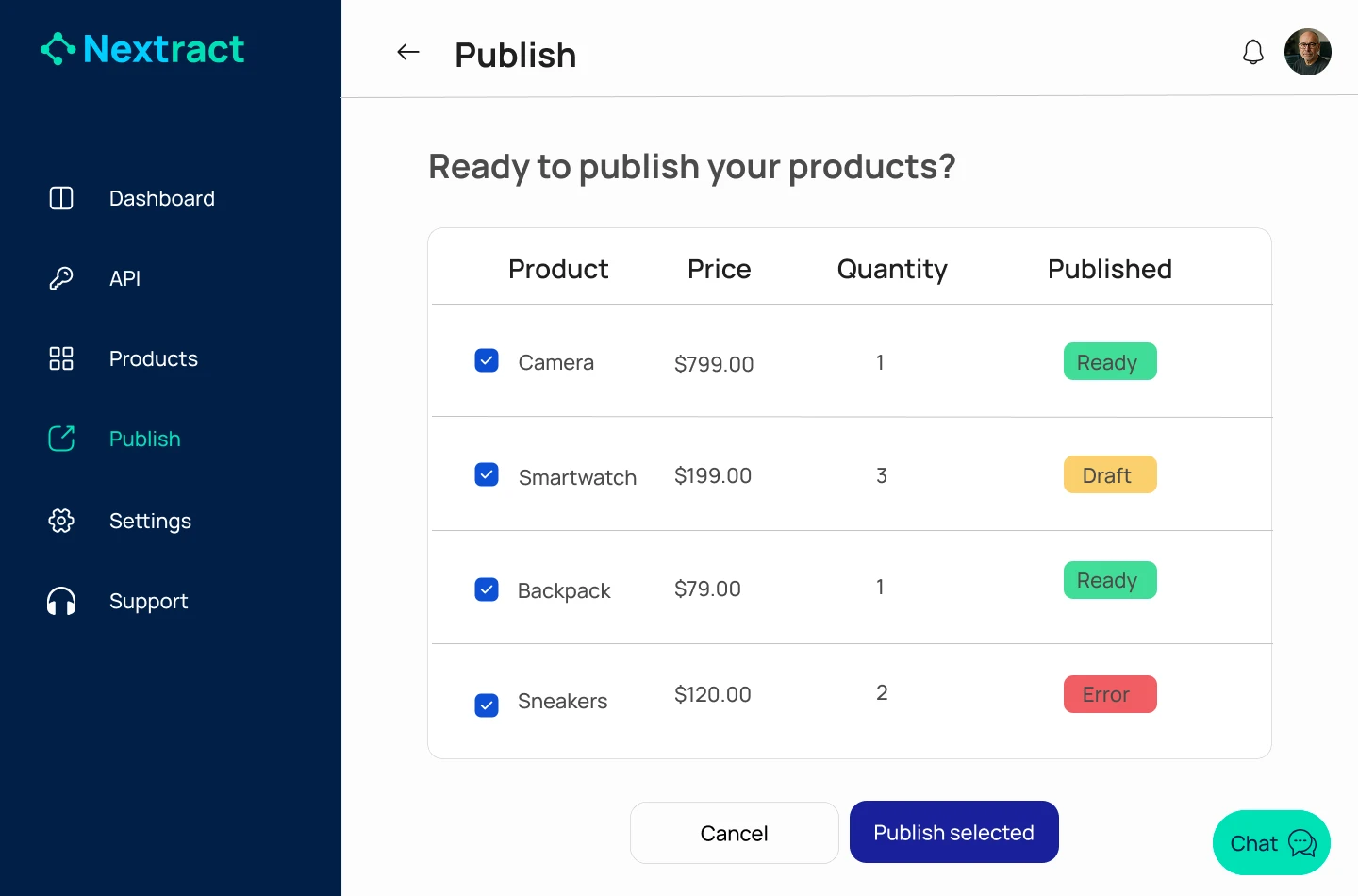
Publishing Interface
Products and data validation are visualized before publishing so users can clearly see whether the information is ready, incomplete or contains errors.
Impact
Usability testing showed that participants were able to complete the publishing flow successfully without prior API knowledge. The guided interface reduced confusion and helped users understand how the system worked as they progressed. Users who had initially described API tools as intimidating were able to move through the flow with confidence, which was exactly the outcome we were designing for. The nomination among the five best UX projects out of over 30 entries was a strong validation that the design direction resonated beyond just our own team. For a 10-week school project built by two UX students within a larger cross-functional group, getting that recognition felt like proof that the process worked.
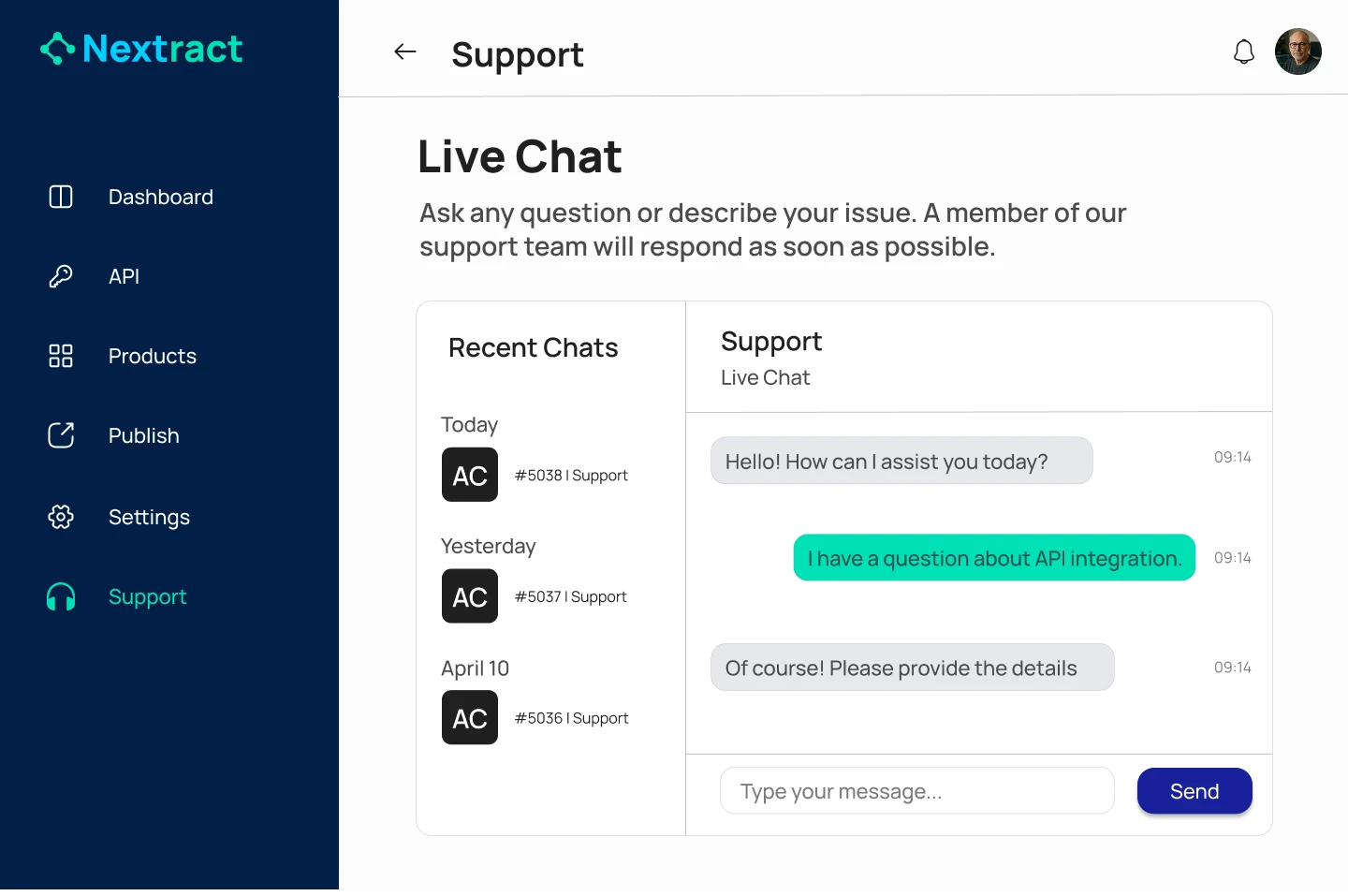
Reflection & Learnings
What surprised me most was that users did not need the system to be simpler, they needed to understand it. Once they could see how one step unlocked the next, the same workflow that had felt overwhelming suddenly felt manageable. Working in a cross-functional team also taught me how to communicate design decisions to people outside of UX. Developers think differently, and learning to frame design choices in terms they could act on made the collaboration significantly smoother. The tight timeline also forced a kind of discipline that is easy to avoid in longer projects. You cannot perfect everything, so you have to be clear about what actually matters most for the user and protect that above everything else.